Now on iPhone
Your music. Your DJ.
Meet Vibes, your personal super intelligent DJ.
The AI DJ for your Apple Music, on iPhone. Make it yours: its look, its voice, its name and its vibe. It picks every track, tells you stories behind the records you love, and knows when to be quiet.

Free to download. Needs an Apple Music subscription.
Vibes is for iPhone.
You're on the list.
We'll be in touch.
One quick one: what do you listen on?
Perfect. Vibes plays straight from it.
Good to know. Vibes needs an Apple Music subscription, and we'll show you the easiest way to try it.
You're already on the list. We'll be in touch.
That email doesn't look right. Check it and try again.
Something went wrong on our side. Try again in a minute.

Free to download. Needs an Apple Music subscription.
Pick a vibe.
Fifteen moods to choose from, each with its own mixes drawn from Apple Music's own playlists. Tap one to see it in the app.
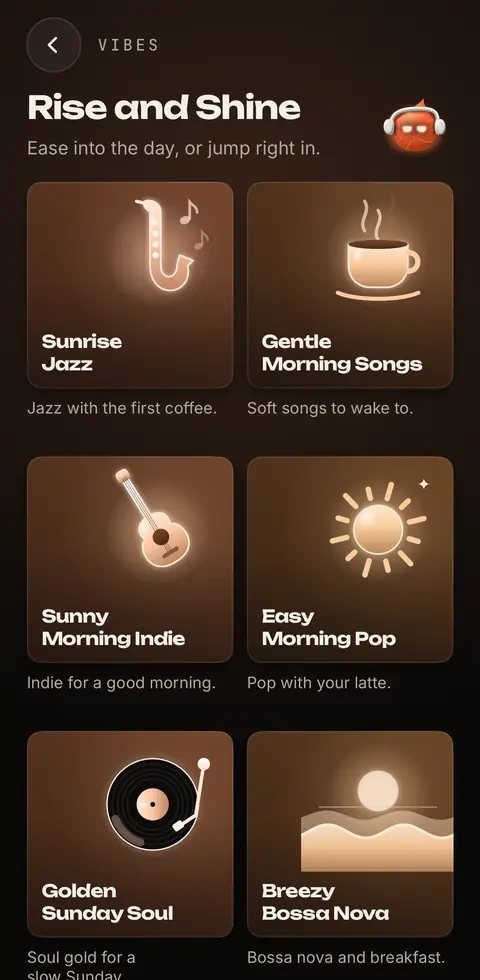
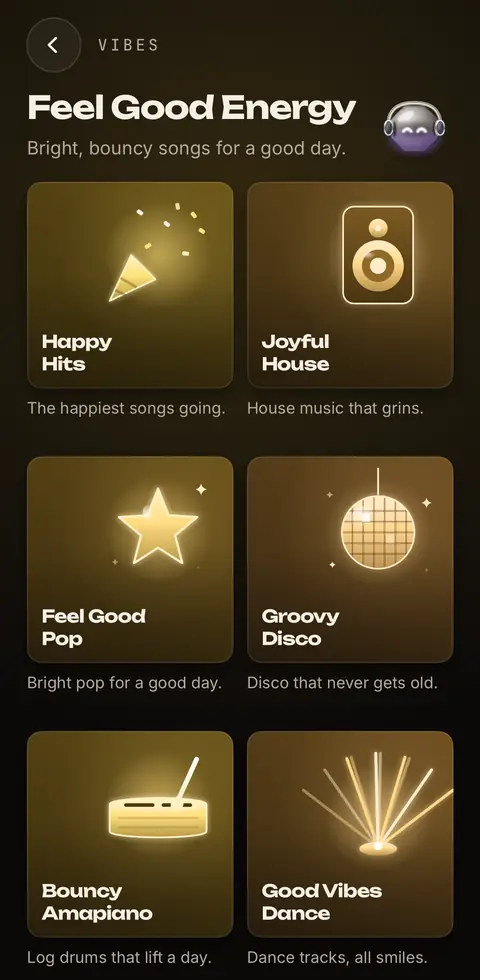
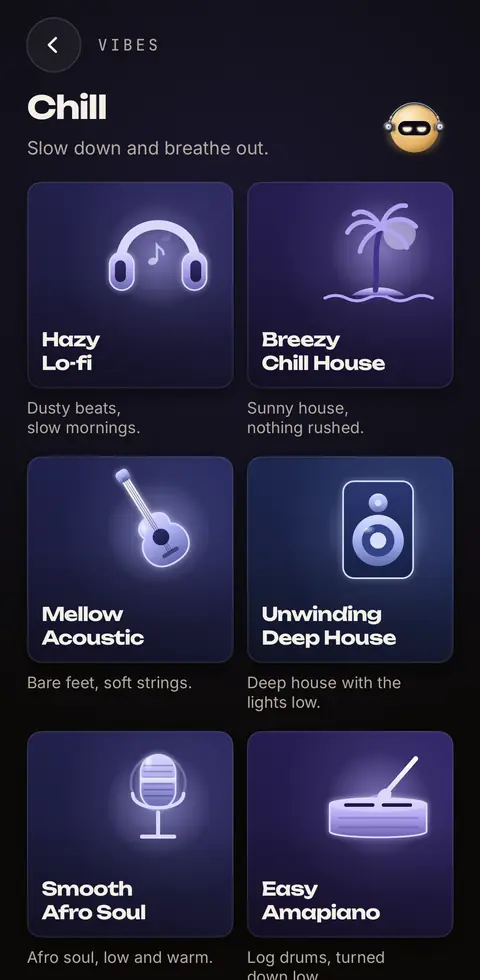
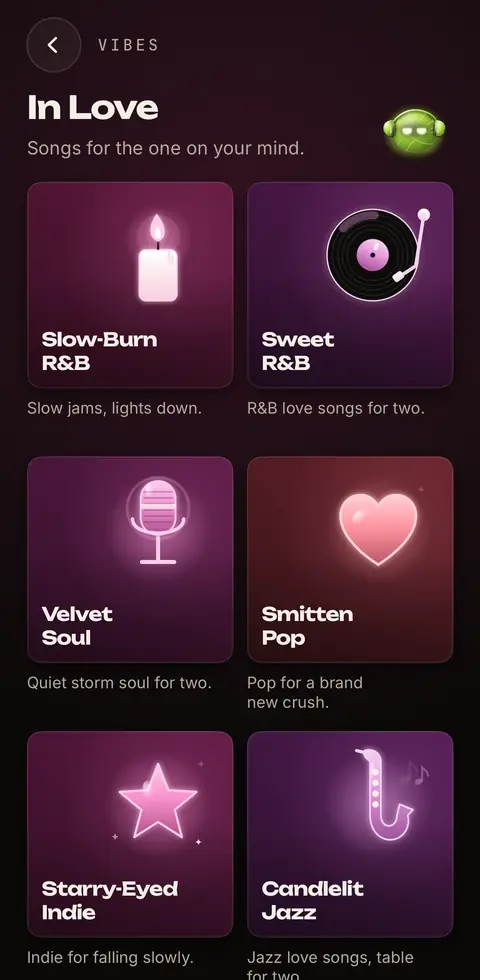
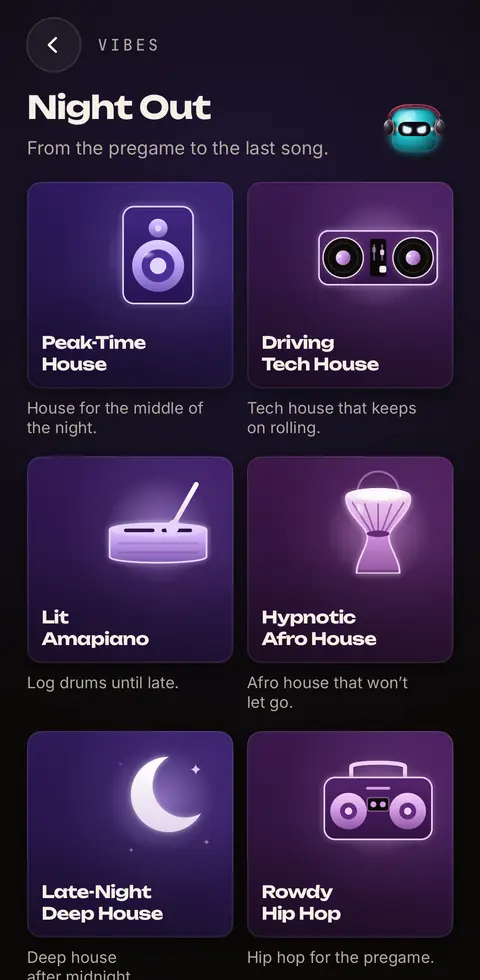
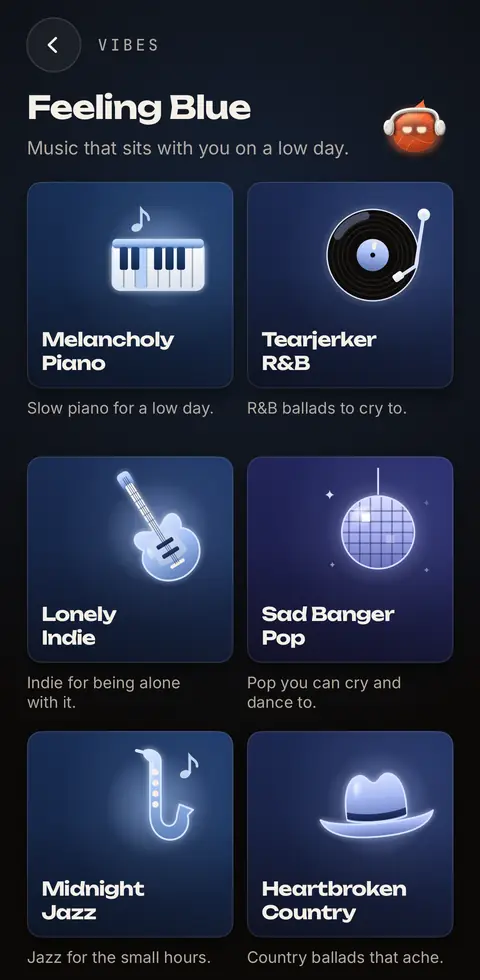
Its mixes, in the app.
Make your Vibe.
Give it a look, an outfit, a voice and a name. Pick its vibe, and it comes to life.
It says hello the moment it's made.
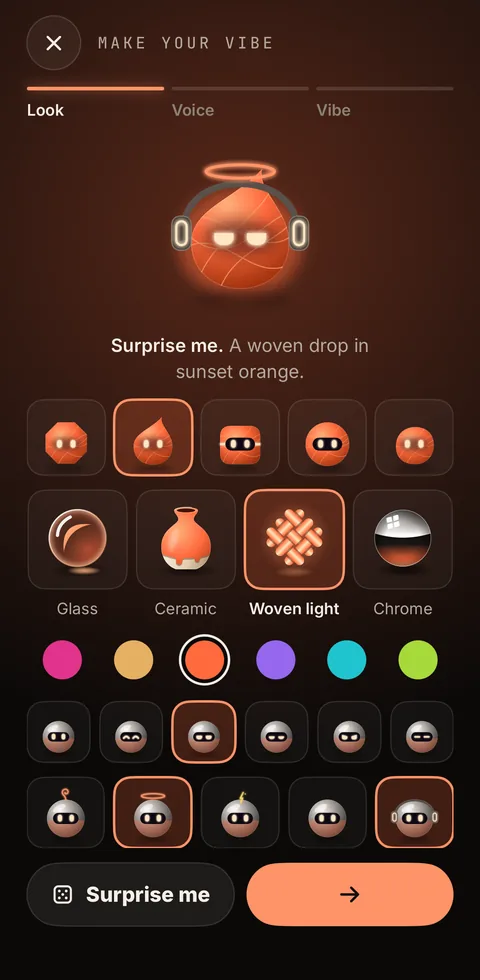
1 Its look 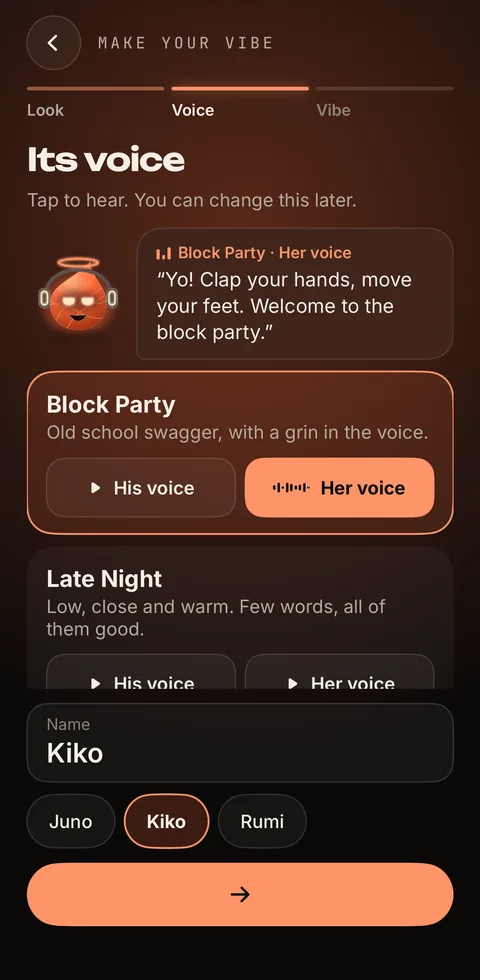
2 Its voice and its name 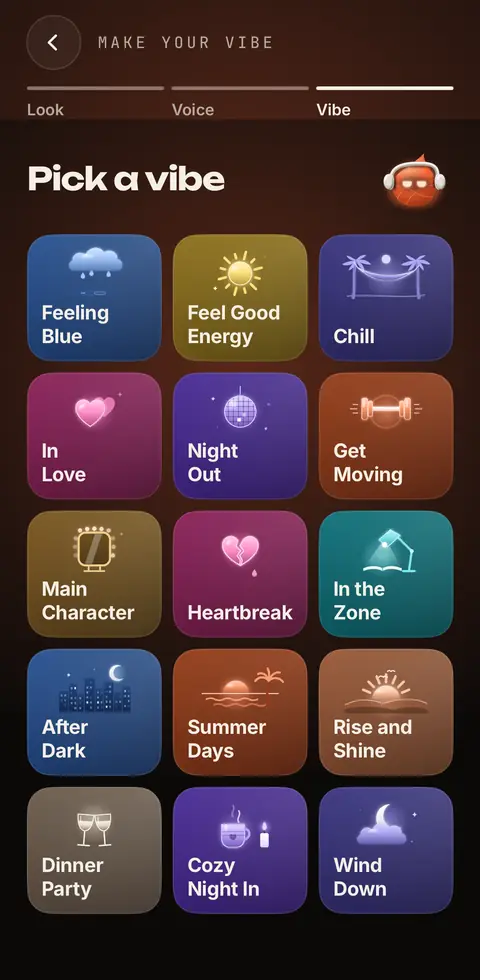
3 Pick a vibe 4 Pick a mix 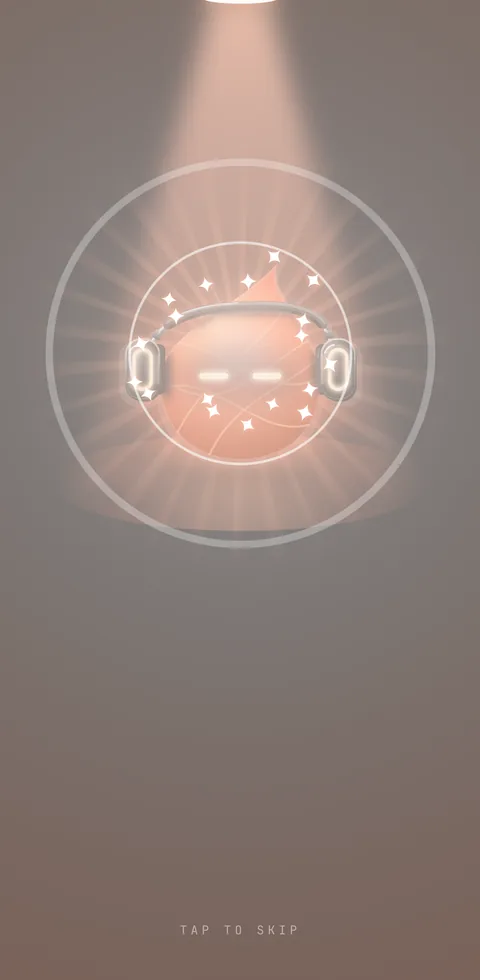
5 It comes to life
Every break earns its place.
Every Vibe keeps a few rules.
- Songs flow. Your DJ talks after every song by default, or less if you choose.
- After its hello, it keeps its breaks short.
- A story about the record, or why it suits you. No filler.
- It talks with your phone locked too: in the car, at the gym, on a walk.
- It remembers what it has said to you.
- Skip a song early and it rests for a month.
Make it. Press play.
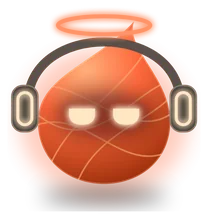
- 1
Make your Vibe
Choose its look, give it a voice and a name, then pick a vibe: a mood, and one of its mixes.
- 2
Play your music
Your Vibe plays the mix you picked, drawn from Apple Music's own playlists, and puts the songs you love first.
- 3
It learns you
What you skip, what you heart and what you play twice. Allow location and your DJ can greet you with your city and the time of day. The longer you listen, the better Vibes knows you. Your level grows as you listen and never drops, and levels open new pieces for all your Vibes.
On air, in every scene.
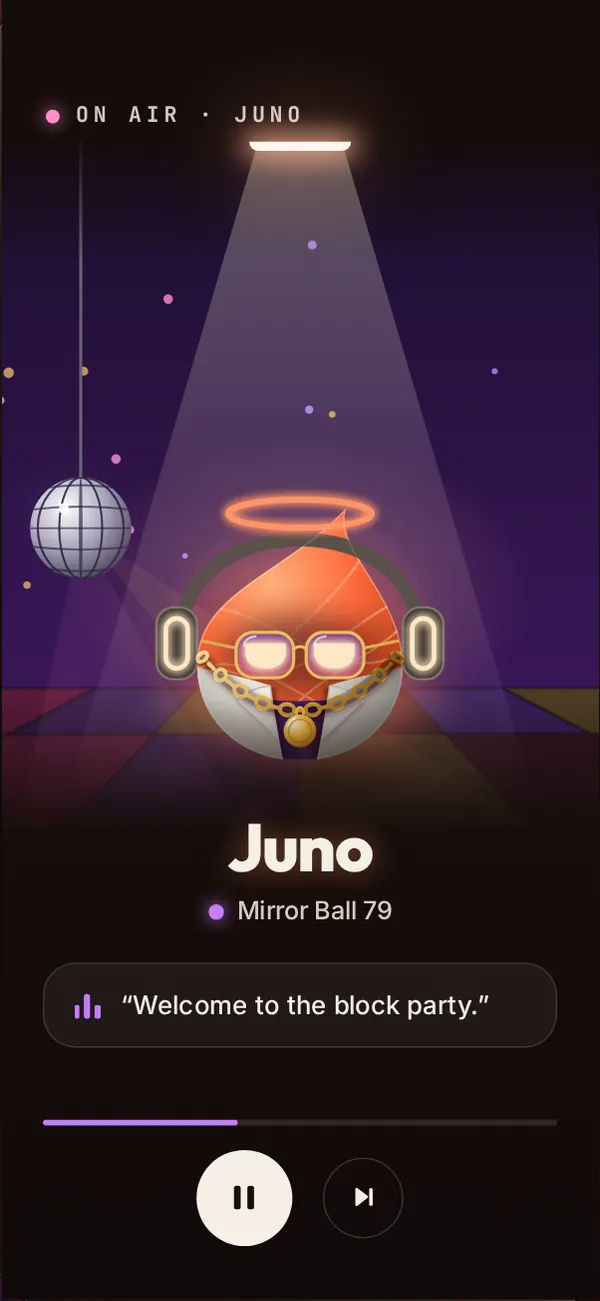
Every Vibe is its own character, with its own look, its own outfit and its own place.
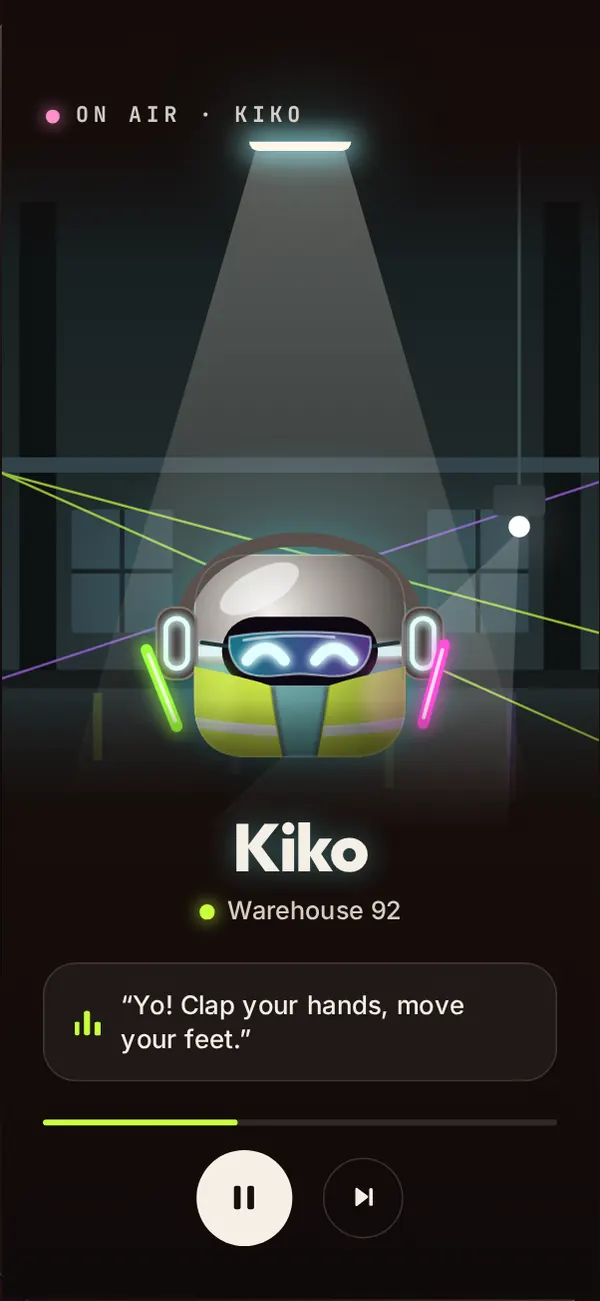
KikoWarehouse 92Yo! Clap your hands, move your feet. Welcome to the block party. 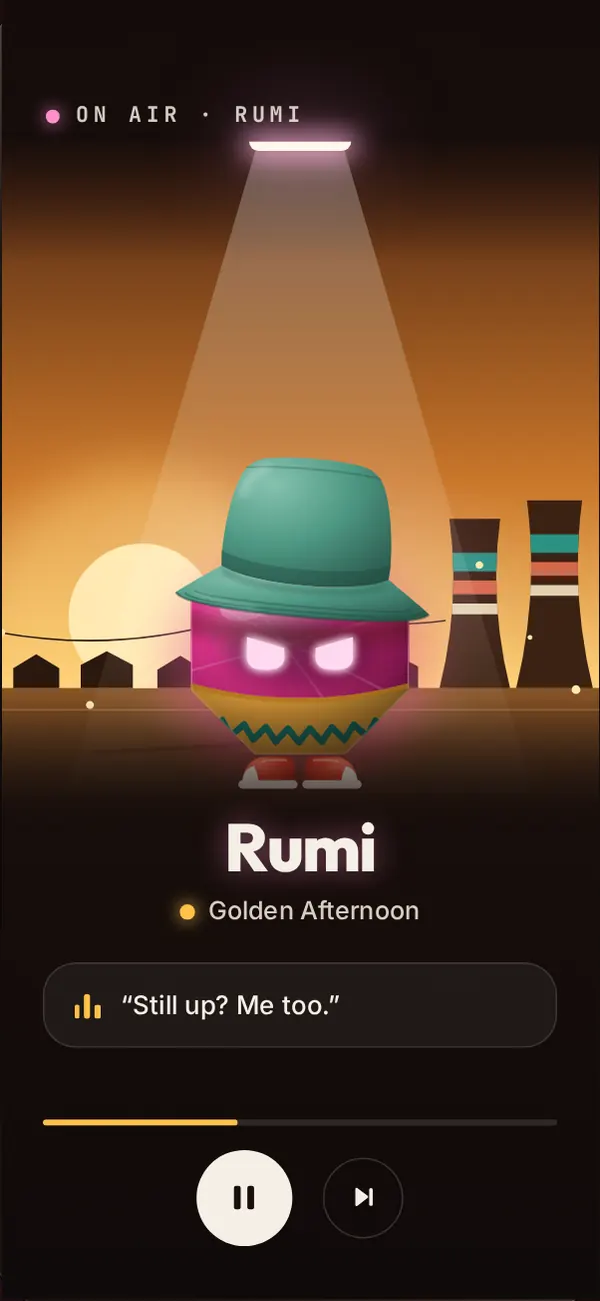
RumiGolden AfternoonStill up? Me too. Let's keep it low for a while. 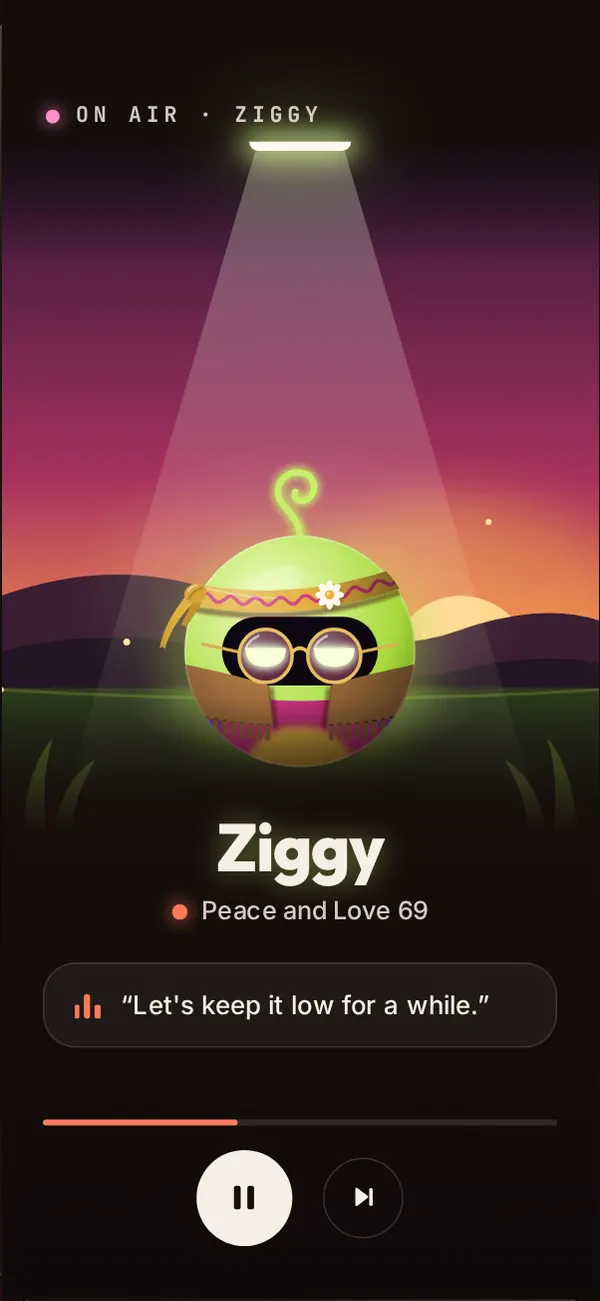
ZiggyPeace and Love 69Still up? Me too. Let's keep it low for a while. 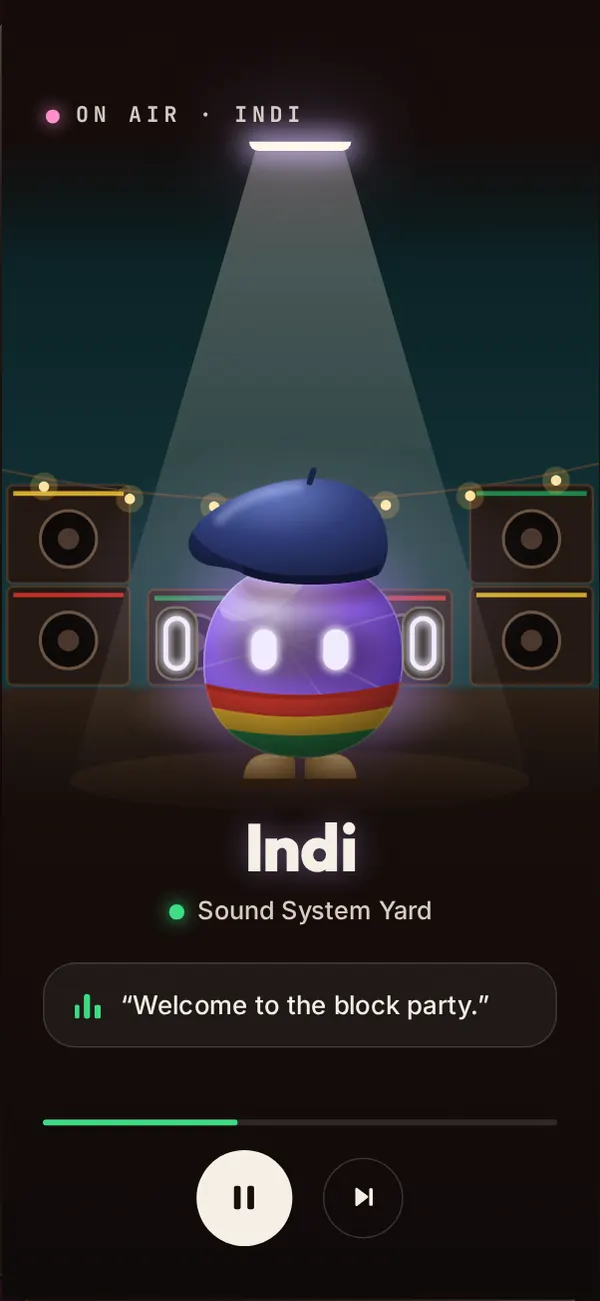
IndiSound System YardYo! Clap your hands, move your feet. Welcome to the block party.
Dress your Vibe.
Style comes on four shelves, and any of your Vibes can wear any piece.
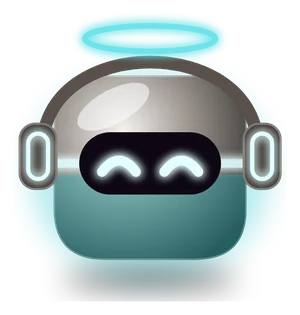
Headphones
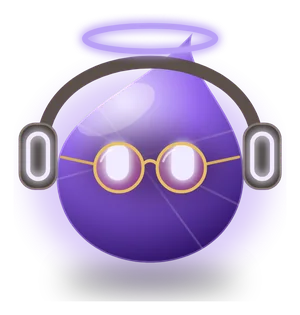
Eyewear
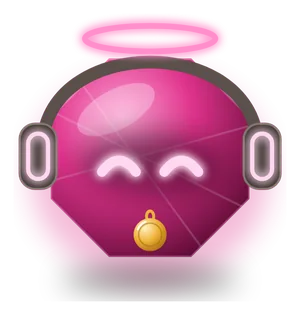
Jewelry
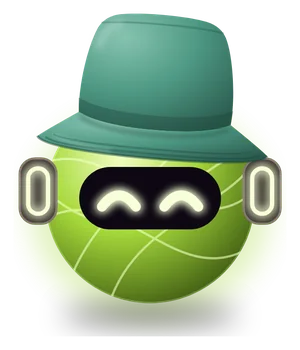
Hair and hats
Try the voices.
Five characters, each with His voice and Her voice. Tap one to hear it.
Block Party
Free“Yo! Clap your hands, move your feet. Welcome to the block party.”
Yo! Clap your hands, move your feet. Welcome to the block party.Yo! Clap your hands, move your feet. Welcome to the block party.Late Night
Free“Still up? Me too. Let's keep it low for a while.”
Still up? Me too. Let's keep it low for a while.Still up? Me too. Let's keep it low for a while.The Crooner
Vibes Plus“Good evening. Best seat in the house tonight, and it's yours.”
Good evening. Best seat in the house tonight, and it's yours.Good evening. Best seat in the house tonight, and it's yours.Main Stage
Vibes Plus“Hands up if you came to have a good time!”
Hands up if you came to have a good time!Hands up if you came to have a good time!Rio Rooftop
Vibes Plus“Oi! The sun is going down and the music is coming up. Perfeito.”
Oi! The sun is going down and the music is coming up. Perfeito.Oi, oi! The sun is going down and the music is coming up. Perfeito.
Free to start.
Free
- Your own Vibe, with its own look, voice and name.
- Your DJ talks after every song by default, with your phone locked too.
- Choose how often it talks: after every song, most songs, every second or every third.
- Your own Apple Music library, with no limit on listening.
- Beats for listening, to spend on new pieces any of your Vibes can wear.
Vibes Plus
Its price is on its App Store page.
- Up to ten Vibes.
- Your DJ remembers you: lines written just for you, with your name and your history together.
- 600 Beats each time Vibes Plus renews, or 7,200 a year on the yearly plan.
Vibes needs an iPhone and an Apple Music subscription. You buy Vibes Plus in the app with your Apple Account.
Questions, answered.
Which Vibes is this?
Vibes is the iPhone app that gives your Apple Music a DJ, made by Domanski.SI at getvibes.si. It is not related to Meta's video feed of the same name, or to other apps called Vibes.
What is Vibes?
Vibes is an iPhone app that gives your Apple Music a DJ. You make your own DJ, your Vibe, and it plays your music, tells you stories behind the records you love and learns what you like. With Vibes Plus, make more than one: each Vibe is its own character, with its own look, voice and vibe. It is free to download.
Does Apple Music have a DJ?
No, not for your own music. Does Apple Music have a DJ? The full answer.
Do I need Apple Music?
Yes. Vibes plays music through your Apple Music subscription and has no music of its own. If you don't subscribe yet, Vibes shows you the Apple Music sign up, with whatever free trial Apple offers.
Can I bring my music over from Spotify?
Yes, with Apple Music's own transfer tool, free with your subscription. In Apple Music, tap your profile picture, then Transfer Music from Other Music Services. Choose Spotify, sign in, pick your playlists, liked songs, albums and artists, and tap Add to Library. Your liked songs land in Favorite Songs, and your Vibe knows your taste from then on. Playlists Spotify made for you, such as Discover Weekly, don't move: add their songs to a playlist of your own first. The full guide, with every option compared.
Is Vibes an AI DJ?
Yes. With Vibes Plus, your DJ writes its breaks fresh for the song you are playing. On the free plan your DJ names the record or uses a line recorded ahead of time, with a story now and then. Each is spoken in a natural voice. When it tells a story about the record, the story comes from facts it has looked up. It remembers what it has said to you.
Will it talk over my music?
Only briefly. Your Vibe greets you the moment you open it, then speaks in the gap between songs. With your phone locked, it talks over the start of the next song, with the music lowered. Most breaks are under ten seconds.
Does it work with my phone locked?
Yes. The music plays on, and your DJ still talks, over the start of the next song, in the car, at the gym or on a walk.
Can I have more than one Vibe?
Yes, with Vibes Plus. Each Vibe is its own character, with its own name, look and voice, and you pick a vibe for each one. Vibes Plus has up to ten. Swipe sideways to switch between them, like radio stations. Outfits are the clothes your Vibes wear, and any of them can wear any outfit.
How much does it cost?
Vibes is free to download, with your own Vibe, your own music with no limit on listening, and Beats for listening. Vibes Plus adds up to ten Vibes and a DJ that remembers you. Its price is on its App Store page.
When can I get it?
Now. Vibes is on the App Store.
Is there an Android version?
Not today. Vibes is an iPhone app.
Who makes Vibes?
Vibes is made by Paul Domanski and his studio, Domanski.SI.