
Vibes, in brief.
Meet Vibes, your personal super intelligent DJ.
Vibes is an iPhone app that gives your Apple Music a DJ.
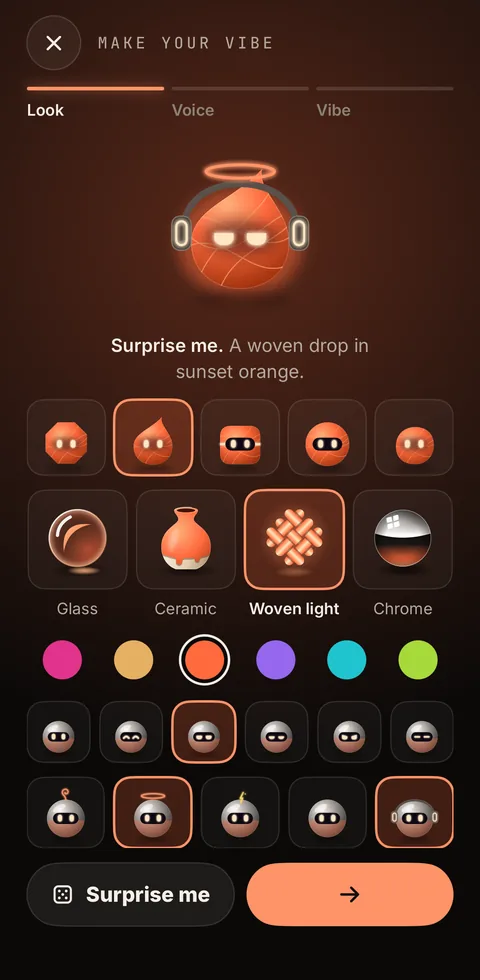
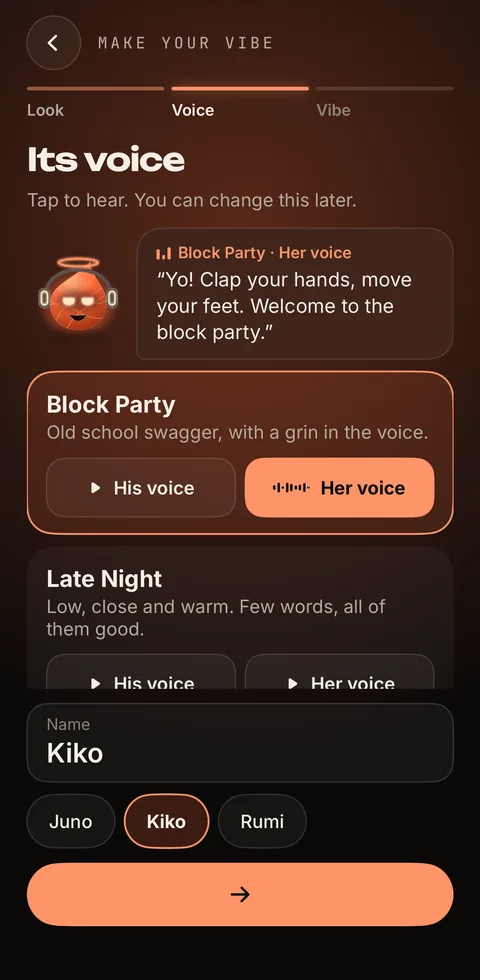
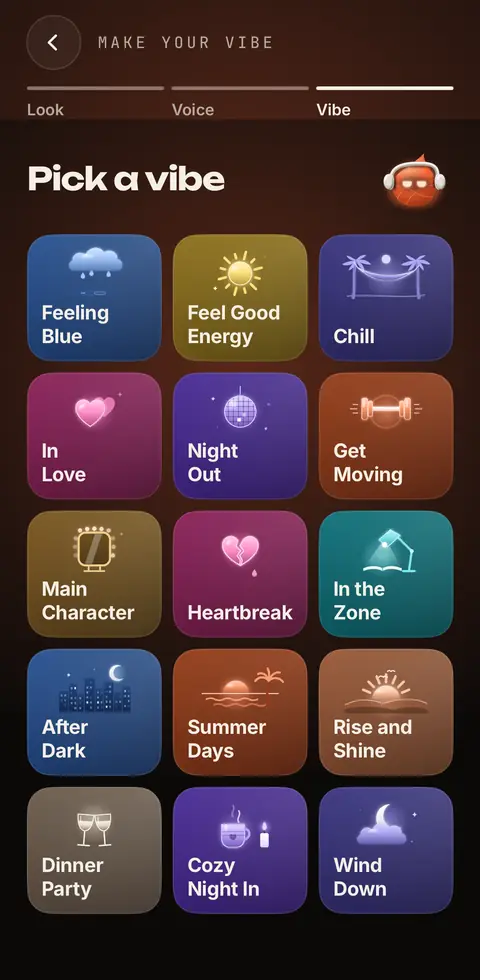
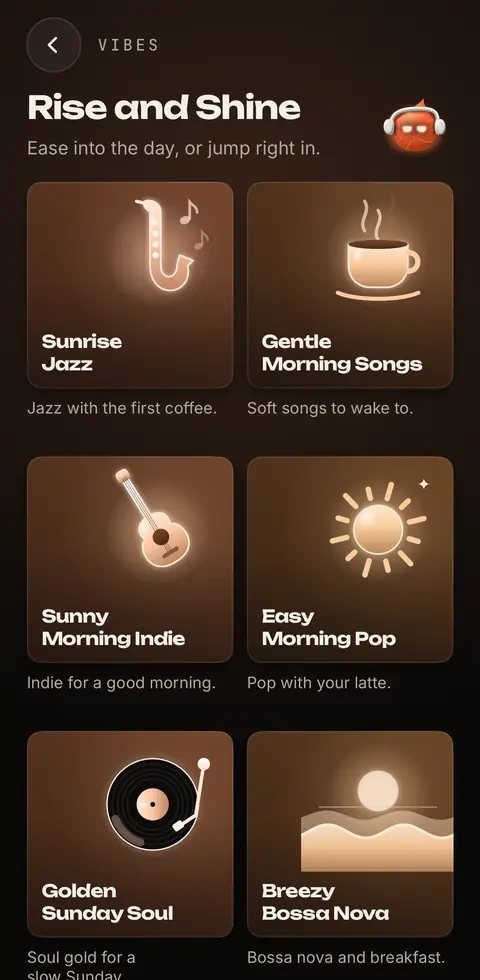
You make your own DJ, your Vibe: its look, its voice, its name and its vibe. It picks every track, tells you stories behind the records you love, and learns what you like.
Vibes is free to download and needs an Apple Music subscription. It is on the App Store.
- Made by
- Domanski.SI
- Runs on
- iPhone
- Music
- Plays from the listener's own Apple Music subscription
- Price
- Free, with Vibes Plus in the app
Fact sheet.
Every line about the app is from its App Store description.
- Name
- Vibes: Super Intelligent AI DJ
- What it is
- Vibes is an AI DJ for your Apple Music on iPhone. It talks between your own songs.
- How it plays
- Press play and the music starts: songs from your Apple Music library, and new songs picked for you. After every song your DJ comes on for a moment, with a fact or a story along the way, then the music comes back. With Vibes Plus, your DJ writes its breaks fresh: the story behind the song you just heard, a fact about it, a word about the next one. It keeps going with your phone locked: in the car, at the gym, on a walk.
- Your own DJ
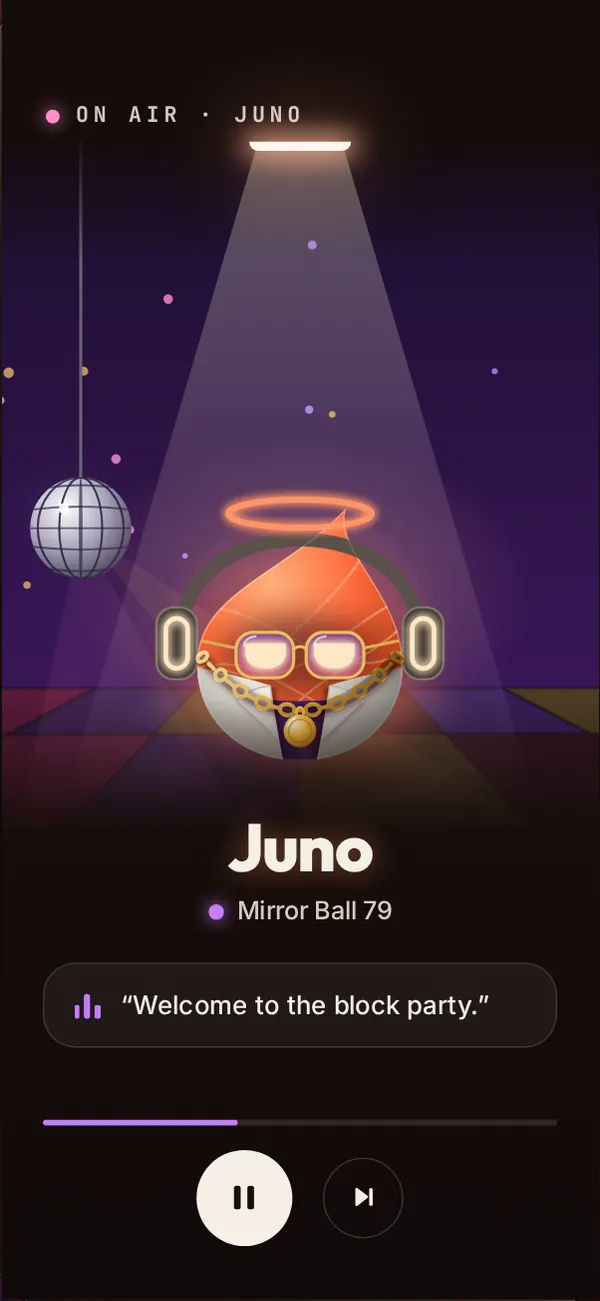
- Pick its look, the sound it plays, its voice and its name. It is born on the spot and introduces itself by name.
- The DJs
- Block Party brings old school swagger and a grin in the voice. Late Night keeps it low and close, few words, all of them good. Vibes Plus adds seven more: The Crooner, Sexy House, Main Stage, Rio Rooftop, The Nerd, No Cap and Pirate Radio.
- It learns you
- Skip a song early and your DJ takes the hint. Play one twice and it comes back.
- Price
- Free to start, with no limit on listening. Vibes Plus is a monthly or yearly subscription. New subscribers get the first week free.
- What you need
- An iPhone and an Apple Music subscription, to play your music. Vibes is in English.
- Available
- On the App Store from 19 November 2026.
- Made by
- Domanski.SI
- Press contact
- support@getvibes.si. We answer every message.
App screens.
Real screens from the app. Tap one for the full size picture.
Contact.
For press, write to support@getvibes.si. We answer every message.